Getting reviews · 4 min read
How to ask for a review without making it awkward
By Locaris ·
You’ve just finished a good appointment, served a regular, or wrapped up a job. You know a review would help, but you don’t want to put your customer on the spot. Keep it small, friendly, and optional.
Ask when the experience is still fresh
A natural moment is at the end of a visit or after the job is complete. If they’re rushing out the door, a short follow-up message can be easier than a conversation at the counter. Don’t interrupt the visit to ask.
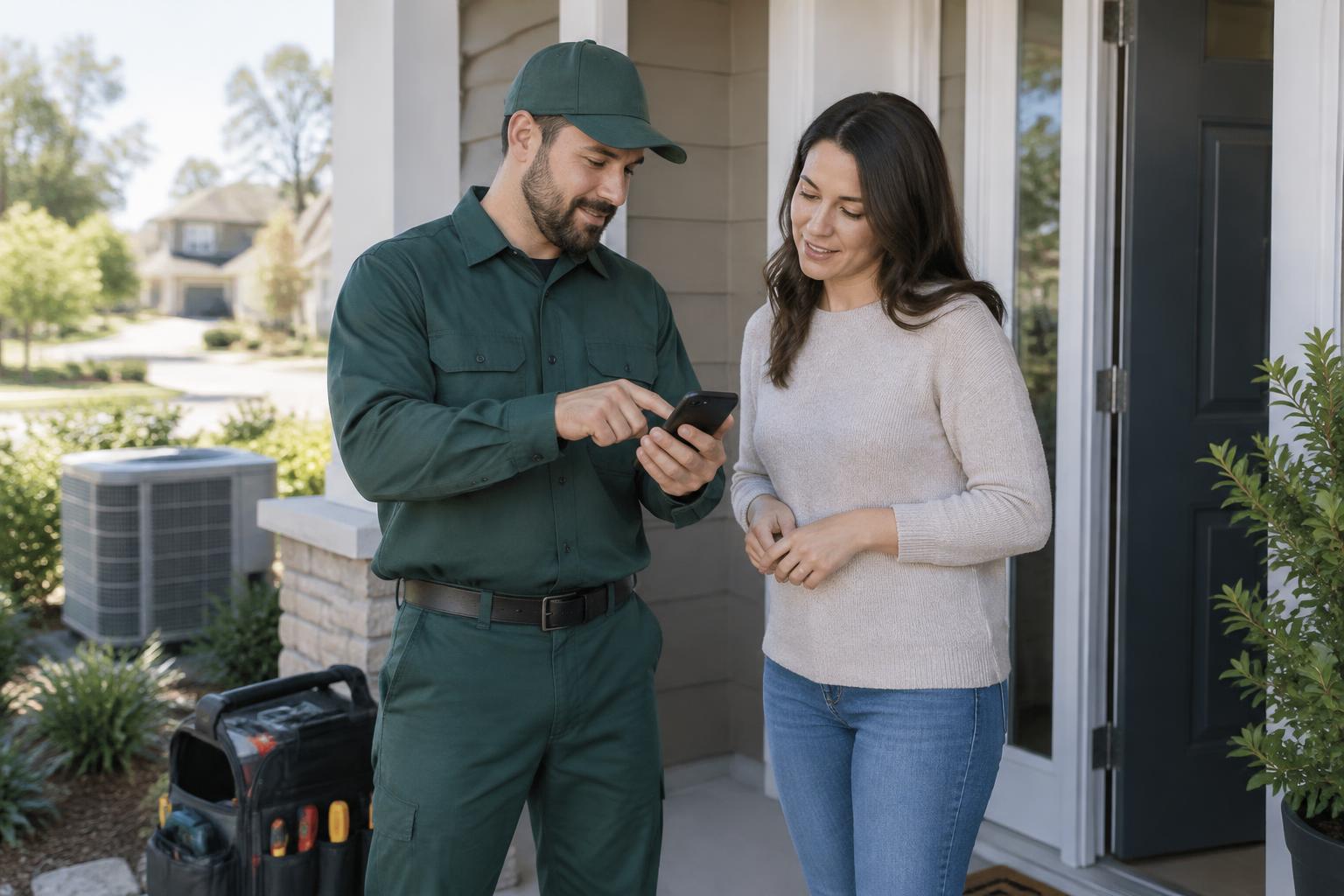
After a home-service job
Once the work is finished and the customer has had a chance to check it, thank them and ask if they would like a review link. Keep the invitation optional, whether the job was a repair, cleaning visit, or garden project.
Use words you’d actually say
Try: ‘Thanks for coming in today. If you have a moment, would you mind leaving an honest review? It really helps people find us.’ You don’t need a polished pitch, and you don’t need to ask for five stars. You’re asking for their experience, not a favour with conditions.
Make the next step easy
A direct review link in a message or a QR code by the till saves customers from searching for your business. Test it on your own phone first. If it takes several taps to figure out where to write, simplify it.
Sources: Google: Read and reply to reviews
Ask everyone, not just the happiest customers
Make the invitation part of your usual follow-up. Don’t offer discounts for reviews or send only customers who gave positive feedback to a public review page. Honest feedback is useful, even when it gives you something to improve.
Know when to leave it
No reply doesn’t mean a bad experience. People get busy. Avoid repeated nudges, respect opt-outs, and say thank you when someone does take the time. A friendly invitation is enough.
Put this into practice
- Get your direct Google review link from your Business Profile and open it on a phone to confirm it reaches the correct business.
- Save a short message: 'Thank you for choosing us. If you would like to share your experience, here is our review link. Honest feedback is welcome.' Add your actual link.
- Use the same optional invitation after completed appointments or jobs, respect opt-outs, and never attach a discount or ask specifically for five stars.
Conclusion
An honest review invitation works best when it is timely, easy, and pressure-free. Make it a normal part of your follow-up, without filtering customers or rewarding positive feedback.
Your next step
Explore Locaris reputation software to see whether it can help you keep that follow-up routine consistent.
Explore Reputation Software