Being found locally · 3 min read
Five things to check on your Google Business Profile
By Locaris ·
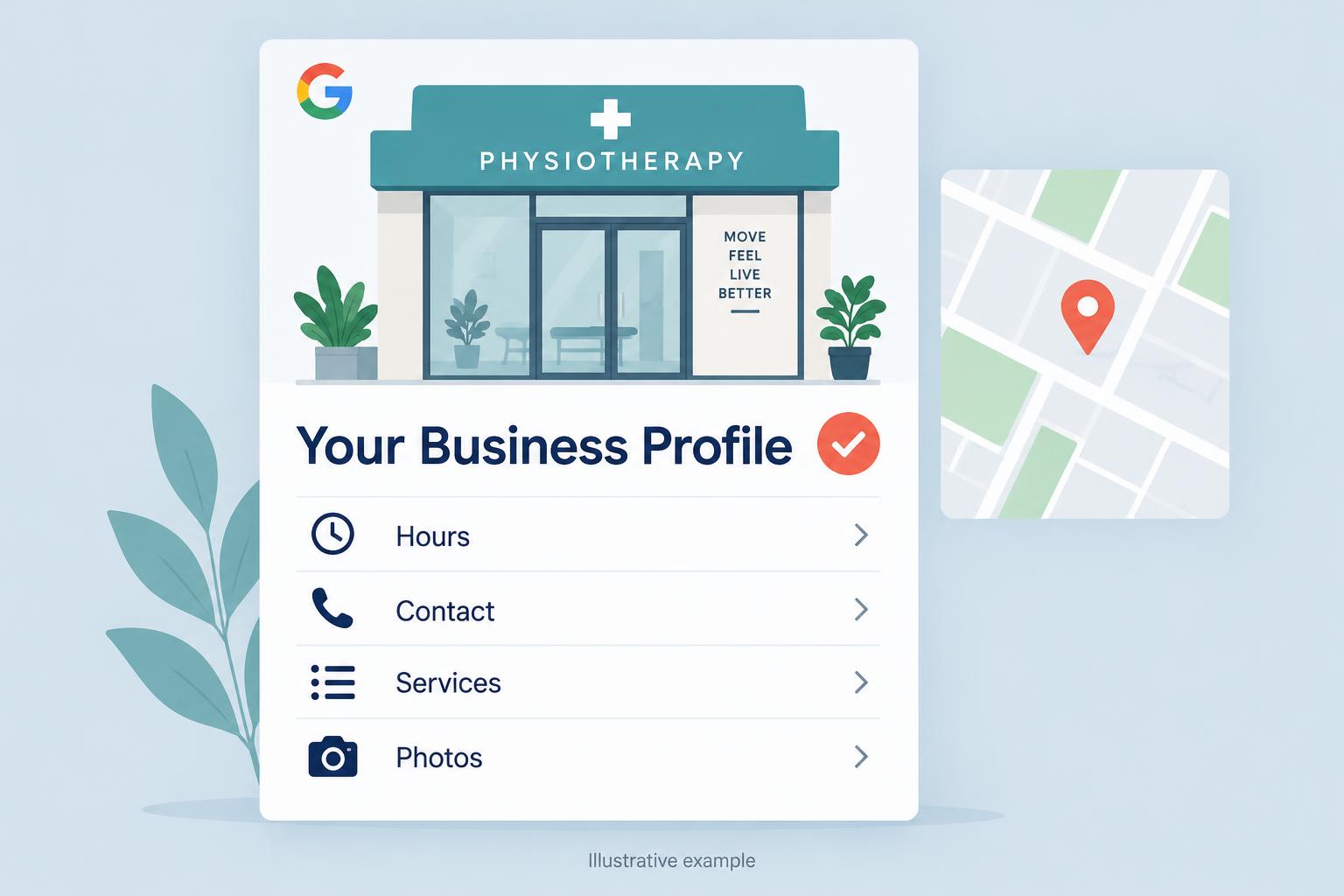
You don’t have to become a search expert to make your business profile more useful. Start with the details someone needs when they’re deciding whether to call, book, or walk through your door.
1. Are your hours right?
Check your regular hours and add special hours for holidays or closures. If someone makes a trip based on your listing, you want the door to be open when it says it is.
2. Does the phone number work?
Call it from another phone. Check that your website and booking links go to the right place, too. A broken link is an easy way to lose someone who was ready to get in touch.
3. Is it clear what you do?
Choose a category that accurately describes your business. Add the services you actually offer and write a plain-language description. Use the words a customer would use, rather than a list of search terms.
4. Do the photos reflect your business today?
Show your entrance, your workspace, and what customers can expect. Use clear, recent photos you have permission to share. Real pictures help people recognise the place when they arrive.
5. Are you keeping up with reviews?
Thank people for their feedback and respond thoughtfully when something went wrong. Build a simple routine for asking for honest reviews after visits. These checks won’t guarantee a particular ranking, but they make the profile more helpful to real people.
Sources: Google: Read and reply to reviews
Put this into practice
- Open your public profile on a phone and compare the visible hours, category, and services with what your business actually offers today.
- Call the listed number and test the website and booking links. For a service-area business, check that you are not displaying an address customers cannot visit.
- Replace outdated photos with current ones you have permission to share, and assign someone to recheck the profile when hours or services change.
Conclusion
An accurate Business Profile helps customers decide whether and how to contact you. Working links, current hours, clear services, real photos, and thoughtful review replies matter more than leaving a listing untouched.
Your next step
Open your Google Business Profile today and correct the first inaccurate detail or broken contact link you find; if everything is accurate, schedule your next check.