Being found locally · 5 min read
How to show up on Google Maps in your area
By Locaris ·
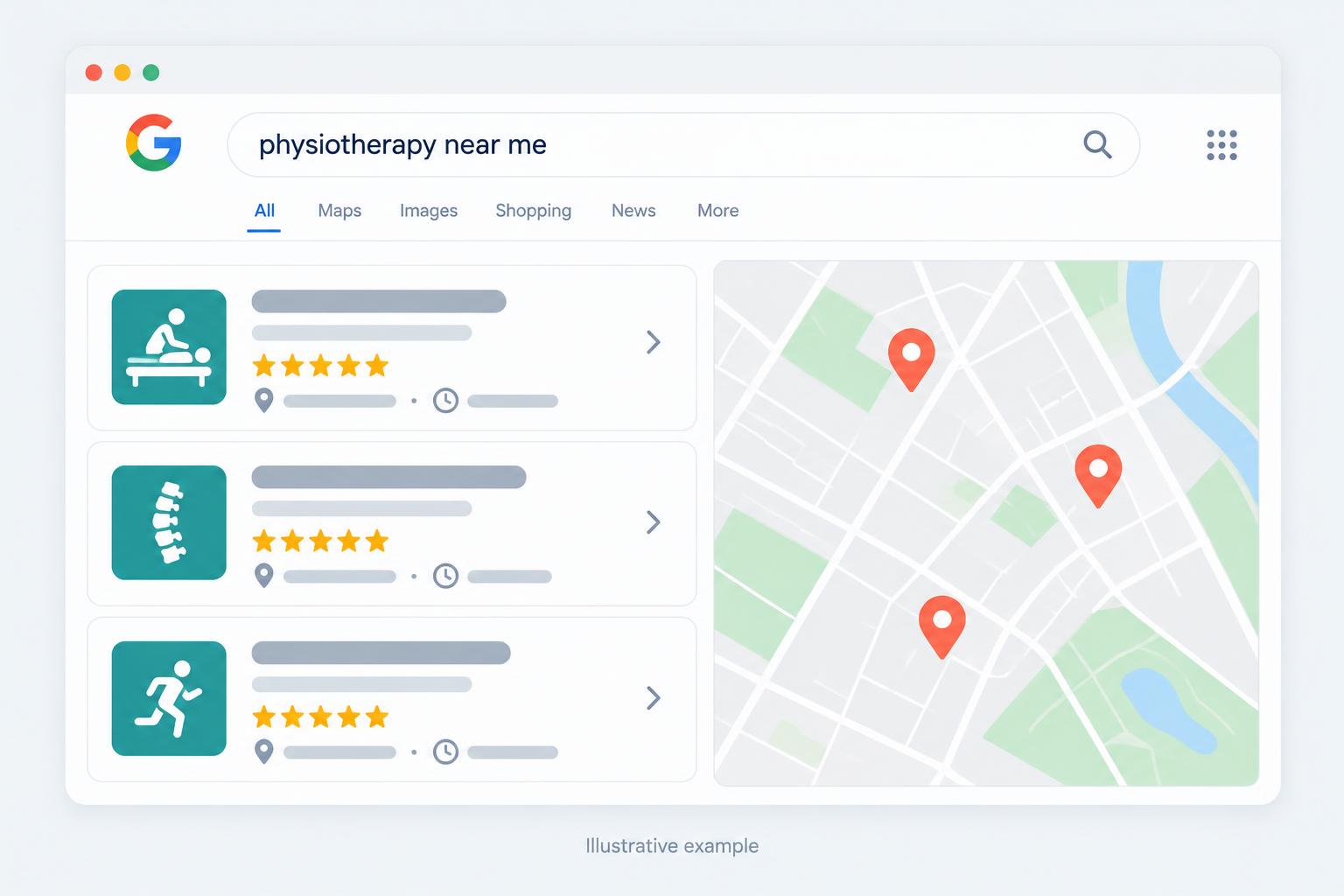
When someone nearby searches for what you offer, Google shows a map with a handful of businesses. Being one of them can mean more calls, more visits, and more bookings. You can't control the map, but you can give Google clear reasons to show you.
Claim and verify your Business Profile
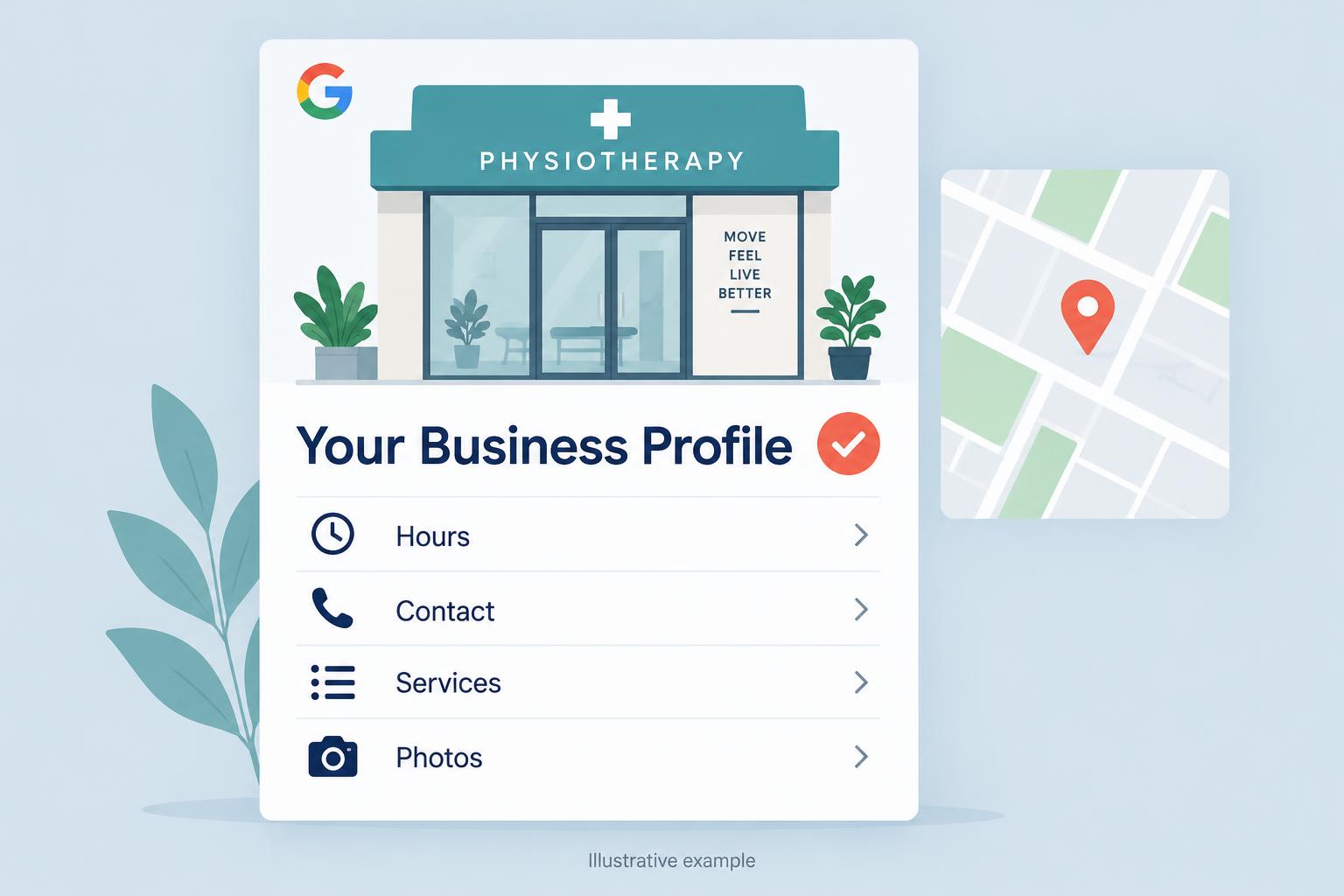
Your Google Business Profile is what appears on the map. If you haven't claimed it, search for your business on Google Maps and follow the prompts to claim it, or create a new profile. Verification confirms you're the owner and unlocks editing. Without it, you're relying on whatever information Google has gathered on its own.
Understand the three things Google weighs
Google describes local results as being based on relevance, distance, and prominence. Relevance is how well your profile matches the search. Distance is how close you are to the person searching. Prominence is how well known your business is, which includes reviews, links, and mentions across the web.
You can't move your shop closer to every customer, so focus on the two you can influence: relevance and prominence.
Make your profile clearly match what people search
Pick the primary category that best describes your business, then add secondary categories only if they're accurate. List your services with plain names a customer would use. Write a description that explains what you do and where. Don't stuff your business name with keywords, it can get a profile suspended.
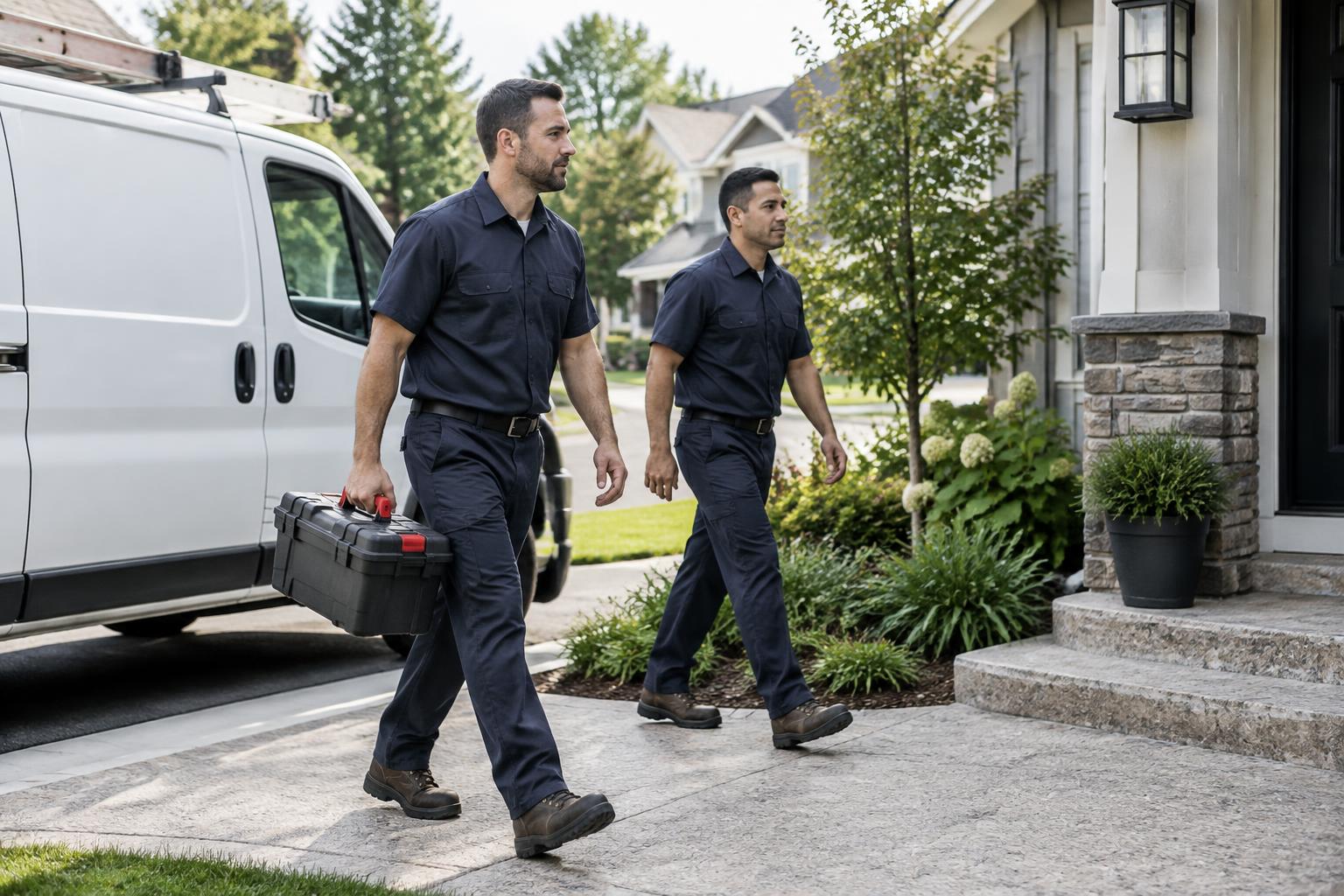
For plumbers, electricians, and other home services
If you visit customers rather than welcoming them at a staffed location, set up your profile as a service-area business. Hide a residential address that customers cannot visit, choose accurate service areas, and use your real business name. Adding more areas does not guarantee that you will rank in each one.
Keep your details consistent everywhere
Your name, address, and phone number should match on your profile, your website, and directories like Yelp, Facebook, and industry listings. Mismatched details make it harder for Google to be confident they all describe the same business.
Build steady reviews and activity
Honest reviews and thoughtful replies help customers understand what it is like to use your business. Add recent photos and post updates when you have news or offers. None of this guarantees a specific spot on the map, but an active, complete profile gives you a much better chance than a forgotten one.
Put this into practice
- Open your Business Profile and check its verification status. If ownership is missing, start the claim or verification process before editing anything else.
- Compare your primary category with your main service, then correct inaccurate hours, contact details, and services. Use the same business details on your website.
- Choose one completed-job or appointment follow-up message where you can invite every customer to leave an honest review, without incentives.
Conclusion
Local map visibility starts with a verified, accurate profile that clearly describes your business, supported by genuine customer feedback. Relevance and prominence are worth improving, but distance still matters and no map position is guaranteed.
Your next step
Get a free visibility audit to establish where your business currently appears and identify the gaps to work on first.
Get a Free Visibility Audit